Modern Unix Tools
UNIX commands can feel quite ancient. Gladly there are aims at modernizing the UNIX stack, often in a compatible way.
Here’s an overview of some of my favorite modern UNIX commands and how I use them.
bat - A cat Clone with Pretty Syntax Highlighting
Repo: GitHub: sharkdp/bat
View code with syntax highlighting.
Here’s how I use it:
- I replaced
catwith an alias: dot-files: shell/.config/aliasrc - I preview files based on file type with
preview.shdot-files: scripts/.local/bin/preview.sh
exa - A Pretty ls Replacement
Repo: GitHub: ogham/exa
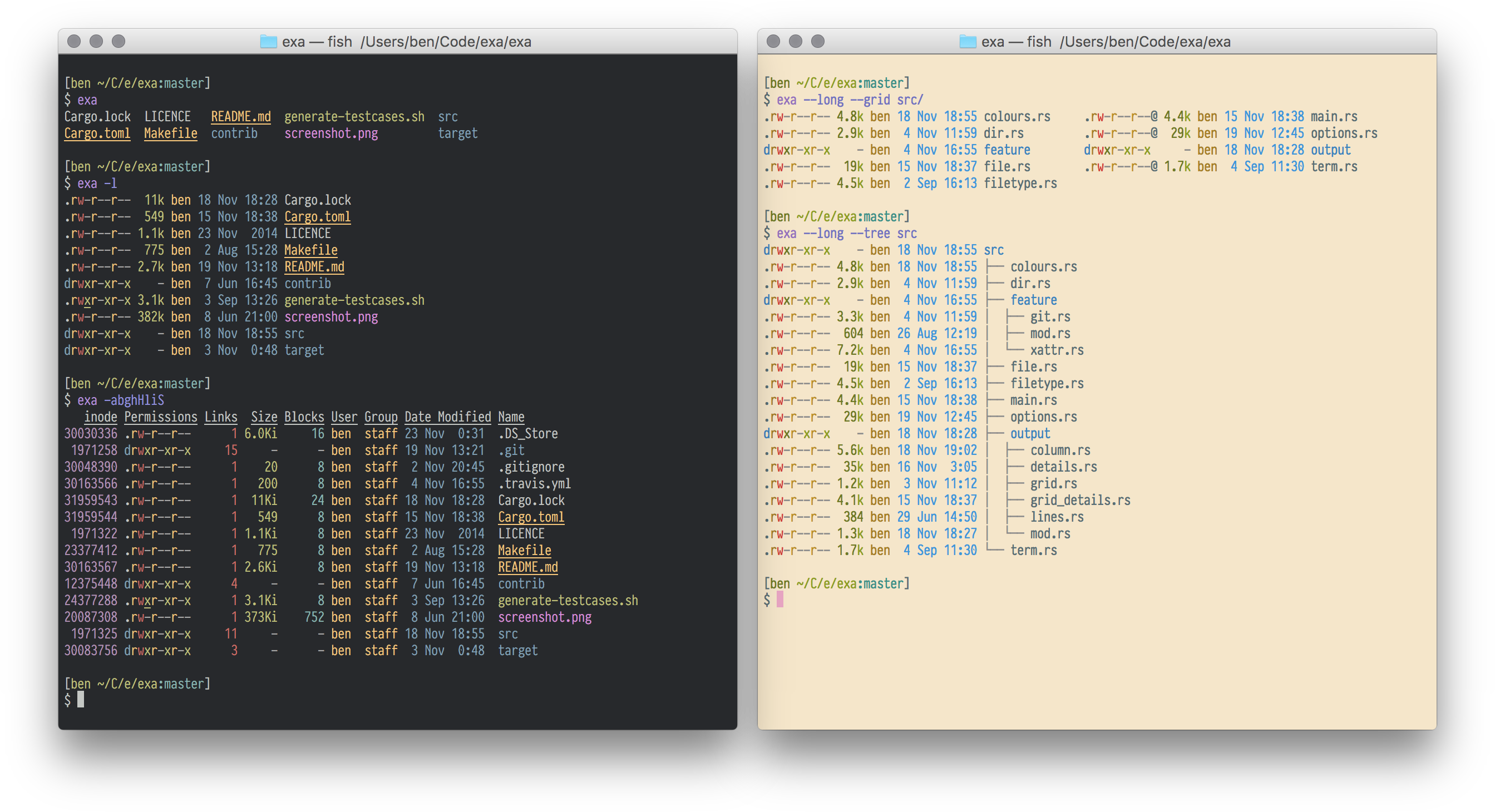
List files with a stylish and informative output. Here’s how I use it:
Here’s how I use it:
- I replaced
lswith an alias: dot-files: shell/.config/aliasrc, which looks like this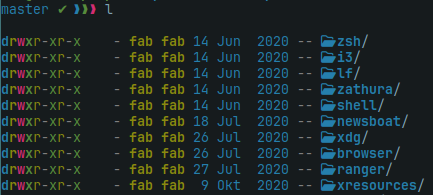
- shell/.config/aliasrc
fzf - Fuzzy Find Files
Repos: GitHub: junegunn/fzf
Quickly find files with fuzzy search.
FZF is awesome. And it also has a neat Vim integration.
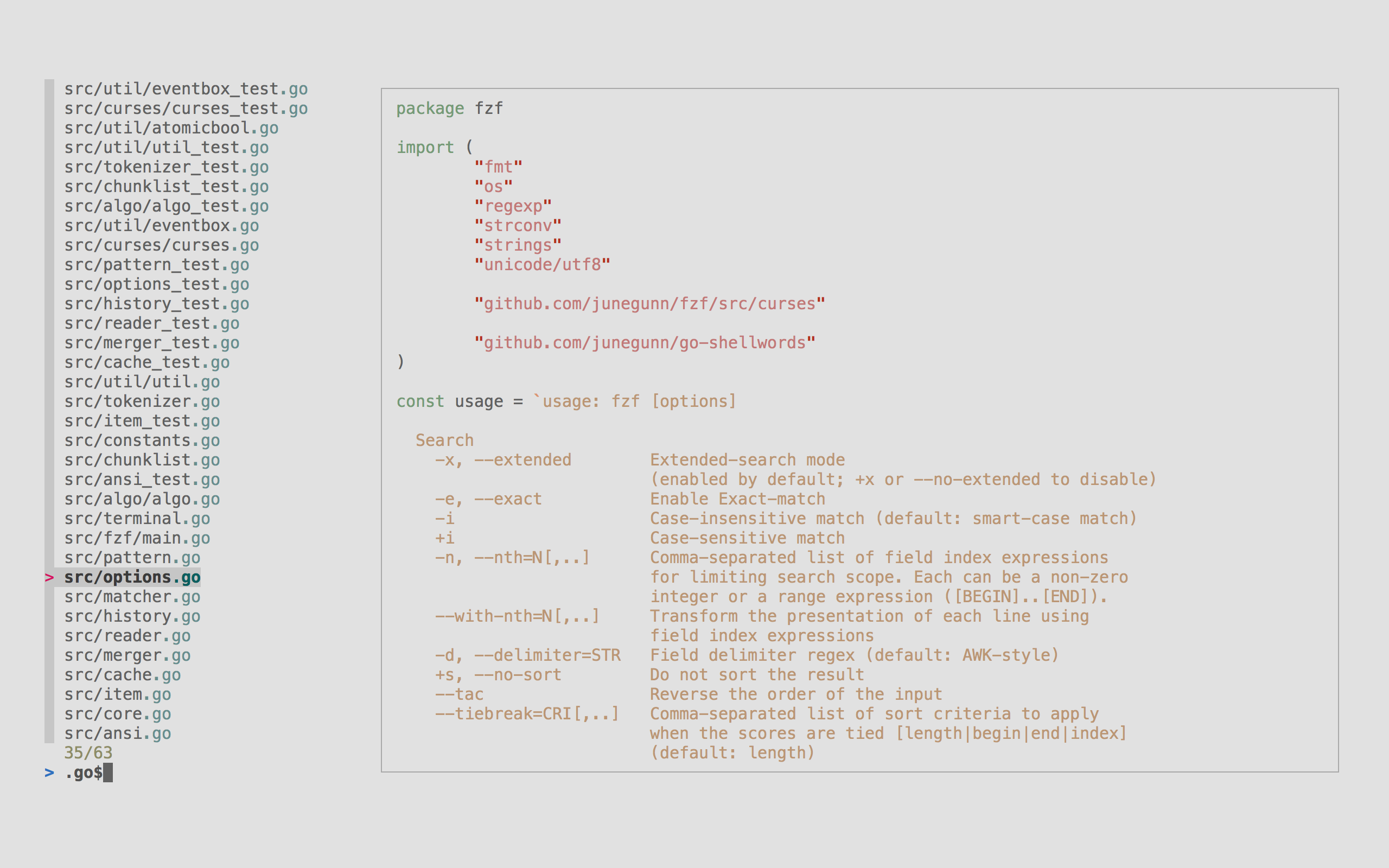
Try it out by piping command output into fzf like docker ps | fzf
Here’s how I use it:
- In scripts to let the user select an item from a list
- Alias select which yay packages to update dot-files: shell/.config/aliasrc
- A
rangercommand to fuzzy select files dot-files: ranger/.config/ranger/commands.py
My FZF Configuration
- search (hidden) files but ignore gitignored files using
ripgrep - preview file contents with my
preview.shscript (which usesexain the background) - assigns hot keys
F1to enable the file preview,F2to switch to show hidden/ignored files, andF3to fzf the parent directory My FZF config file dot-files: shell/.config/fzfrc
FZF and VIM
You can also use fzf directly in vim with this integration GitHub: junegunn/fzf.vim. It offers a lot of useful default commands. You can fuzzy find files with :Files.
My configuration includes some custom commands as well
- insert a command from the shell history dot-files: nvim/.vimrc
- open a markdown notes dot-files: nvim/.vimrc
Here’s my fzf.vim configfuration dot-files: nvim/.vimrc
ripgrep - A Modern grep -r Replacement
Repo: BurntSushi/ripgrep
Fast and efficient searching of file contents. Here’s how I use it:
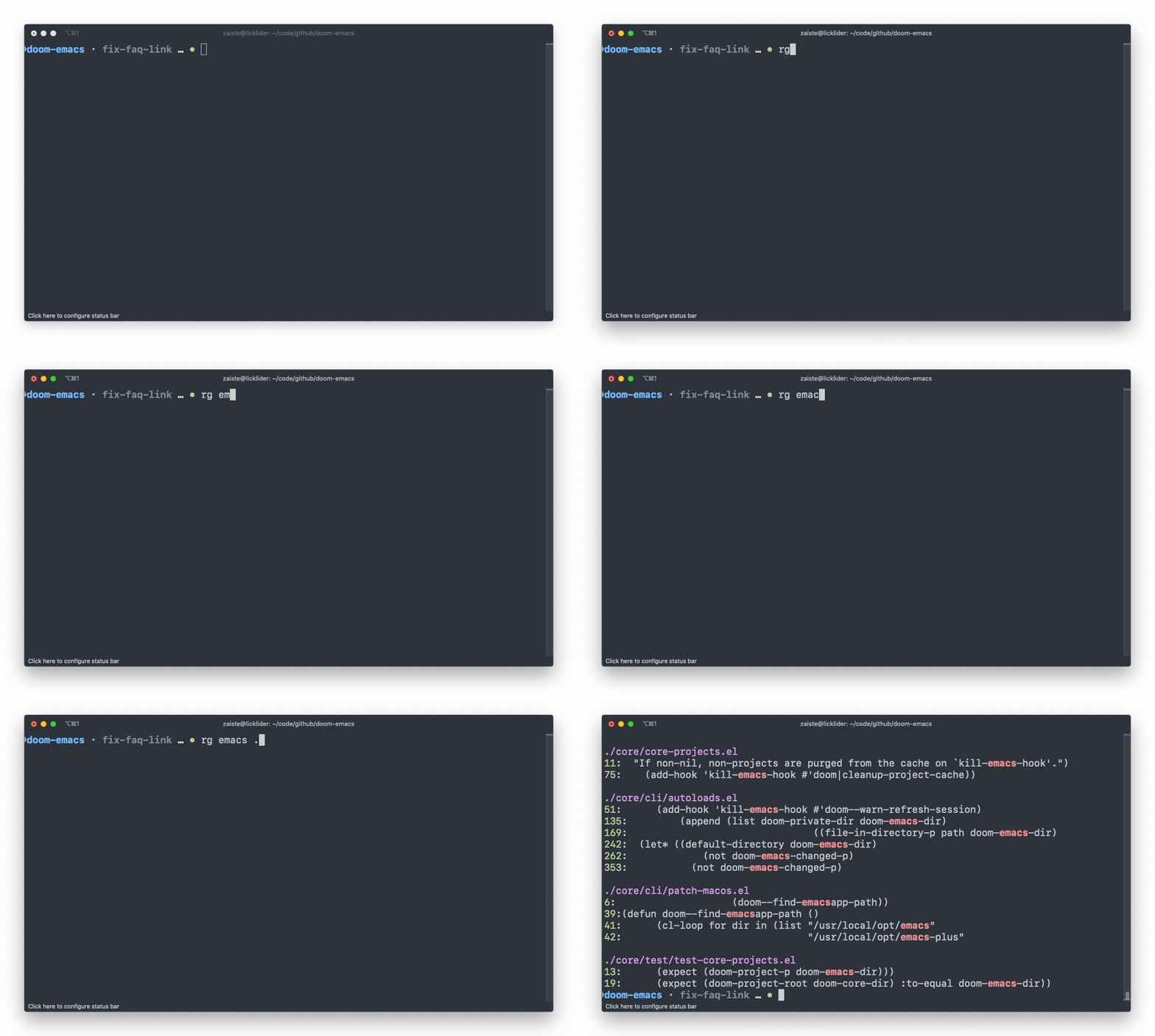
Here’s how I use it:
- created an alias
alias rg='rg --hidden'(dot-files: shell/.config/aliasrc, dot-files: zsh/.config/zsh/aliasrc) - Vim command to fuzzy select Ripgrep output with
:Rgdot-files: nvim/.vimrc
jq - Process JSON Output
Repo: GitHub: jqlang/jq
Master JSON data manipulation on the terminal.
Here’s how I use it:
- Playing with APIs instead of using Postman/Insomnia
- Parsing I3 command output in my I3-scripts
- getting the current workspace dot-files: scripts/.local/bin/i3-profile.sh
- or figuring out the ids of visible windows on the current workspace dot-files: scripts/.local/bin/i3-profile.sh
http - A Modern curl
Repo: GitHub: httpie/cli: 🥧 HTTPie CLI
Simplify HTTP requests.
- Easily write and read HTTP requests.
- Handle JSON responses effortlessly.
- Add query parameters and headers with ease.

And here’s some I haven’t tried myself, since I only just found out about them.
curlie- like HTTPie but with the power ofcurlGitHub: rs/curliemcfly- Neural Network backed Shell History GitHub: cantino/mcflysd- Asedreplacement GitHub: chmln/sdfd- Afindreplacement GitHub: sharkdp/fd